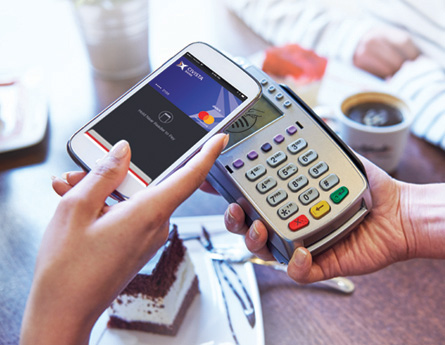




Easy and Secure Access
Download our free mobile banking app for easy and secure access to your accounts wherever you go. Enjoy the same online browser features and screens for a consistent experience between all your devices – desktop, tablet and mobile phone. Plus, you’ll get additional features like mobile check deposit and biometric authentication on compatible devices.1
Apple or Android, smartphone or tablet, you can check account balances, transfer funds between Civista accounts or Bank to Bank, pay bills and people, freeze your debit card, and much more.
Security & Control at Your Fingertips
Biometric Authentication
Login with ease using Face ID®, Touch ID®, or Fingerprint Login, depending on your device’s compatibility.
Debit Card Control
Account Monitoring
Set up customized balance and transaction alerts to get notified when a check clears or if your account balance dips below a certain amount. You can even set up recurring reminders so you never forget when an annual bill is going to hit your account.
Learn more about setting up account alerts here(Opens in a new Window)(Opens in a new Window).
Do More on the Go
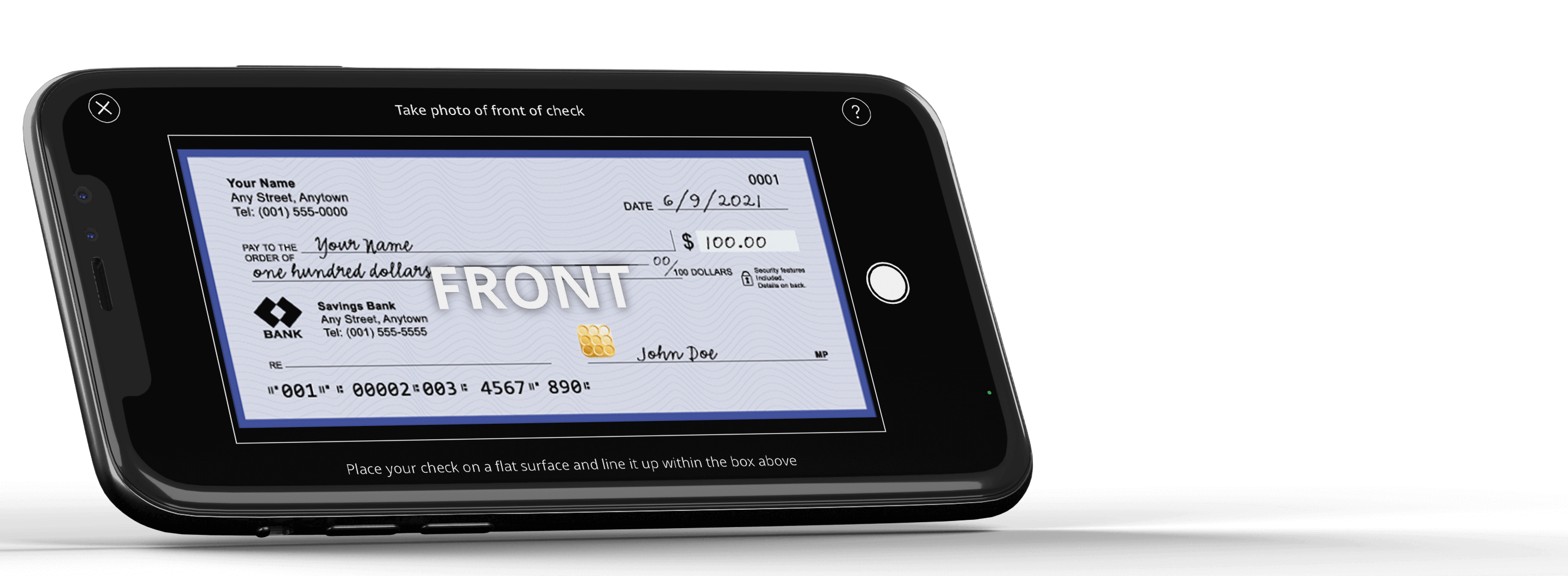
Mobile Deposit
With Civista's free Mobile Deposit you can deposit checks directly to your personal checking or savings account right from your mobile device 24/7. You'll save time and trips to the bank or ATM to make a deposit.
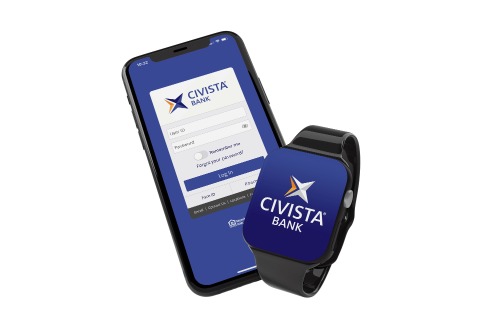
Apple Watch
View balance and recent transaction information from your Apple Watch without having to log into your mobile banking app. Go to Settings > Apple Watch in the mobile app to enable the Apple Watch and learn more.
Manage Your Personal Finances
Download our App


Not an app user? Text banking options are available too.
From your digital banking menu, Click on Services > Text Enrollment to get started
Enabling Accounts for Text Banking:
You will want to both enable and provide nicknames for your accounts to use Text Banking. These changes can be made on the 'Account Preferences' page.
Text Banking Phone Number:
Send any of the commands below to 226563. For easier access and added security, please add this code to your contacts.
Text Banking Commands:
BAL - provides balances for all accounts that are enabled for Text Banking
BAL account nickname - provides the balance for the specified account. Example: BAL acct1
HIST account nickname - provides account history for the specified account. Example: HIST acct1
XFER account nickname1 account nickname2 amount - transfer the specified amount from account 1 to account 2. Example: XFER acct1 acct2 100.00
LIST - sends a list of text banking commands
HELP - sends a list of contacts from the bank
STOP - stops all further text message communications